<- Project index

Game / Unity

Tokyo Nights Racing

A Unity racing portfolio project covering environment work, race flow, traffic, vehicle-facing systems and practical game-development tooling.

Role / responsibility

Unity implementation, world/race systems and debugging/performance work.

A Unity racing portfolio project covering environment work, race flow, traffic, vehicle-facing systems and practical game-development tooling.

Verified proof surfaces

  • Playable racing flow
  • Vehicle and traffic systems
  • Environment and tooling work

Repository readme / adapted

Tokyo Nights Racing

SOURCEREADME.mdAdapted for portfolio readability; claims remain source-derived.

**Tokyo Nights Racing** is a Unity/C# arcade racing systems portfolio project built to demonstrate connected gameplay systems, data-driven architecture, AI racing, vehicle management, freeroam traffic, settings persistence, scene flow, and custom editor tooling.

> This is a technical portfolio prototype, not a commercial game release. The focus is on demonstrating systems architecture, gameplay programming, AI, tools, and scene flow.

01

At a Glance

  • **Engine:** Unity 2022.3 LTS
  • **Language:** C#
  • **Project Type:** Arcade racing systems prototype
  • **Focus:** Gameplay systems, AI, data-driven race setup, traffic, UI, settings, scene flow, and tooling
  • **Status:** Playable portfolio build
  • **Portfolio Status:** Closed at v0.1.0
02

Quick Review Guide

For a fast review, start with:

Recommended code areas:

  • Watch the gameplay demo video.
  • Review the Technical Highlights section.
  • Check the screenshots.
  • Inspect the vehicle database, race mode database, AI racing, checkpoint progress, traffic spawner, settings persistence, and scene return systems.
  • Vehicle / garage systems.
  • Race mode and race loading systems.
  • AI waypoint and checkpoint progress systems.
  • Traffic spawning systems.
  • Settings and audio persistence.
  • Scene return-state handling.
  • Editor setup tools.
03

Gameplay Demo

Gameplay demo video: Tokyo Nights Racing - Unity C# Systems Portfolio Demo

04

Overview

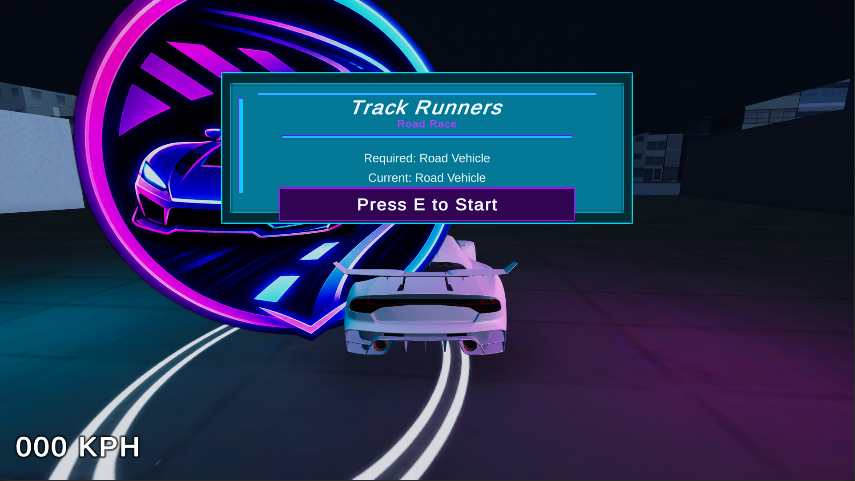
Tokyo Nights Racing is an arcade racing prototype featuring a main menu carousel, garage vehicle selection, race modes, checkpoint-based race progress, high-speed waypoint AI, freeroam traffic, configurable settings, audio routing, loading screens, and scene return flows.

The project was built around a systems-focused goal: create a playable Unity racing project where vehicles, races, AI, traffic, menus, settings, and scene transitions are all connected through reusable data-driven systems.

05

Why I Built This

I built Tokyo Nights Racing as a systems-focused Unity portfolio project. The goal was not just to make a racing prototype, but to build a connected project with data-driven vehicles, race modes, AI opponents, freeroam traffic, settings, scene loading, and custom tooling.

The project was designed to show how I structure and debug larger systems, especially where multiple scenes, saved data, UI, gameplay, physics, and AI all need to work together.

06

My Role

I designed, implemented, debugged, and integrated the main gameplay systems, race flow, AI behavior, vehicle database, garage flow, traffic system, settings, UI logic, scene return handling, and supporting editor tools.

The project also involved replacing risky prototype assets, cleaning the project for public release, organizing scripts, fixing missing references, preparing screenshots, and documenting the work for GitHub.

07

Technical Highlights

  • Built a ScriptableObject-driven vehicle and race mode architecture.
  • Created a garage/equip/save system using separate gameplay, preview, and AI prefabs.
  • Built a main menu Race Modes launcher that selects compatible races based on the equipped vehicle.
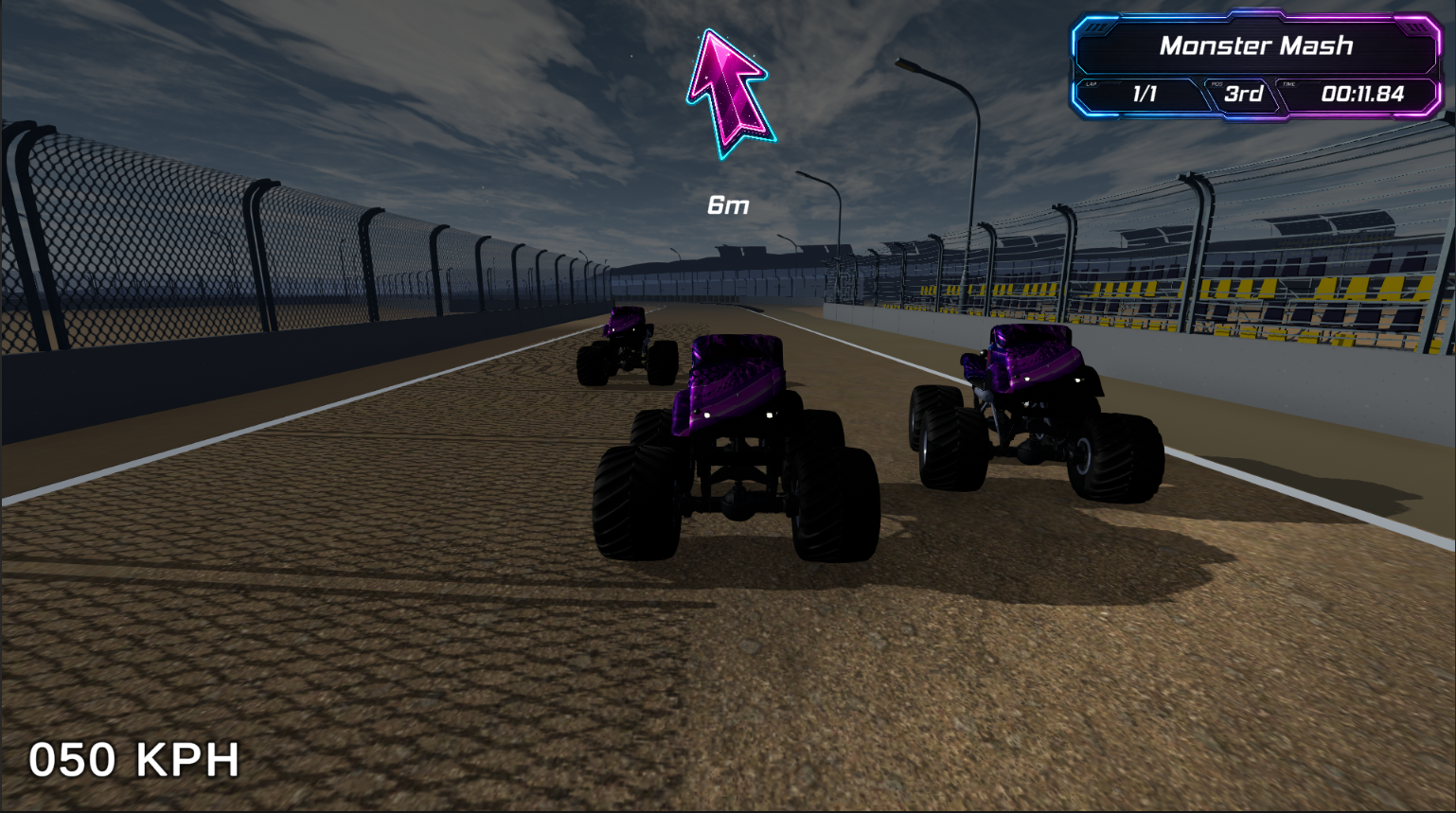
  • Implemented checkpoint-based race progress shared by both player and AI.
  • Built custom waypoint-based racing AI capable of high-speed racing on curved tracks.
  • Separated AI steering from official race progress to avoid waypoint/checkpoint ranking bugs.
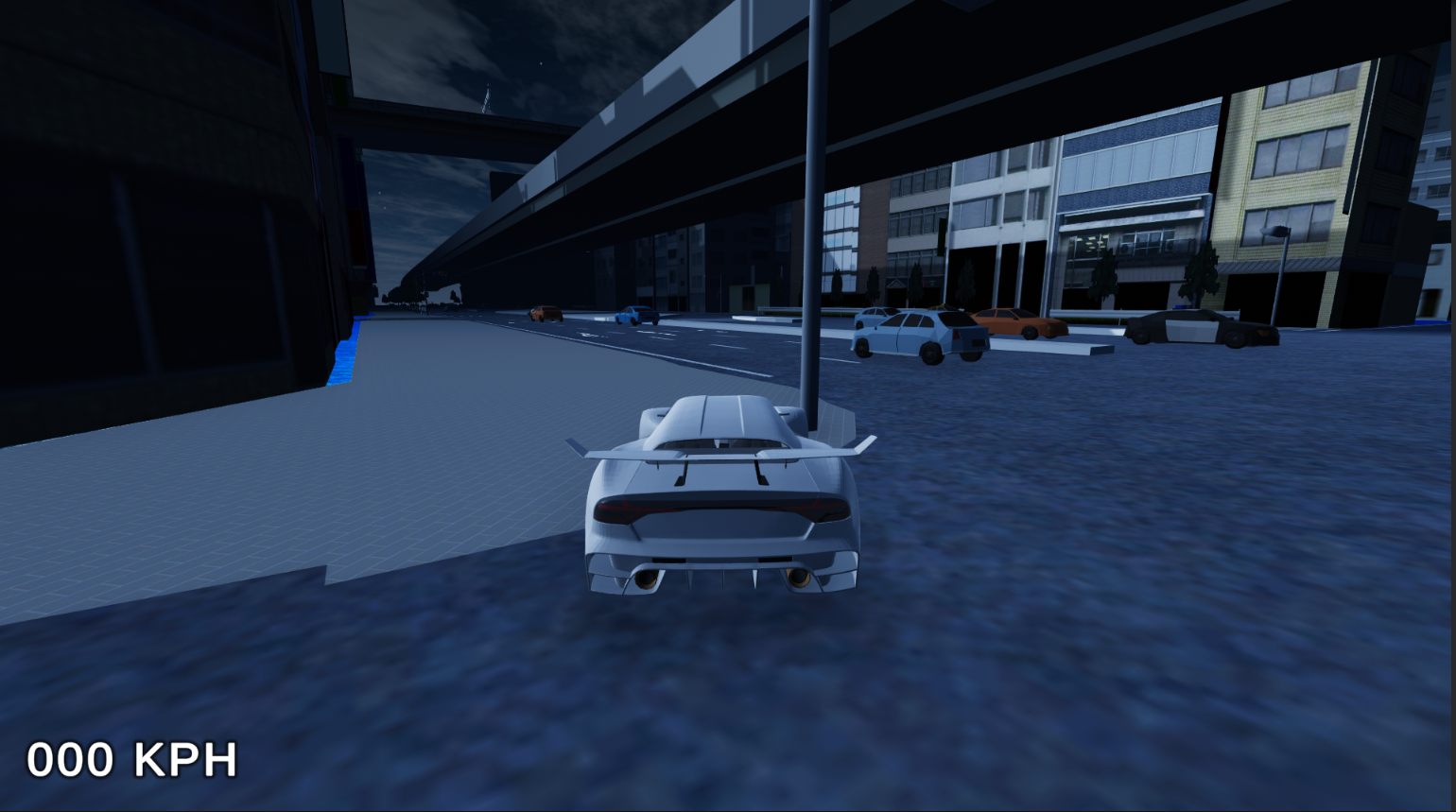
  • Added freeroam traffic with node-based spawning, traffic vehicle database selection, and density settings.
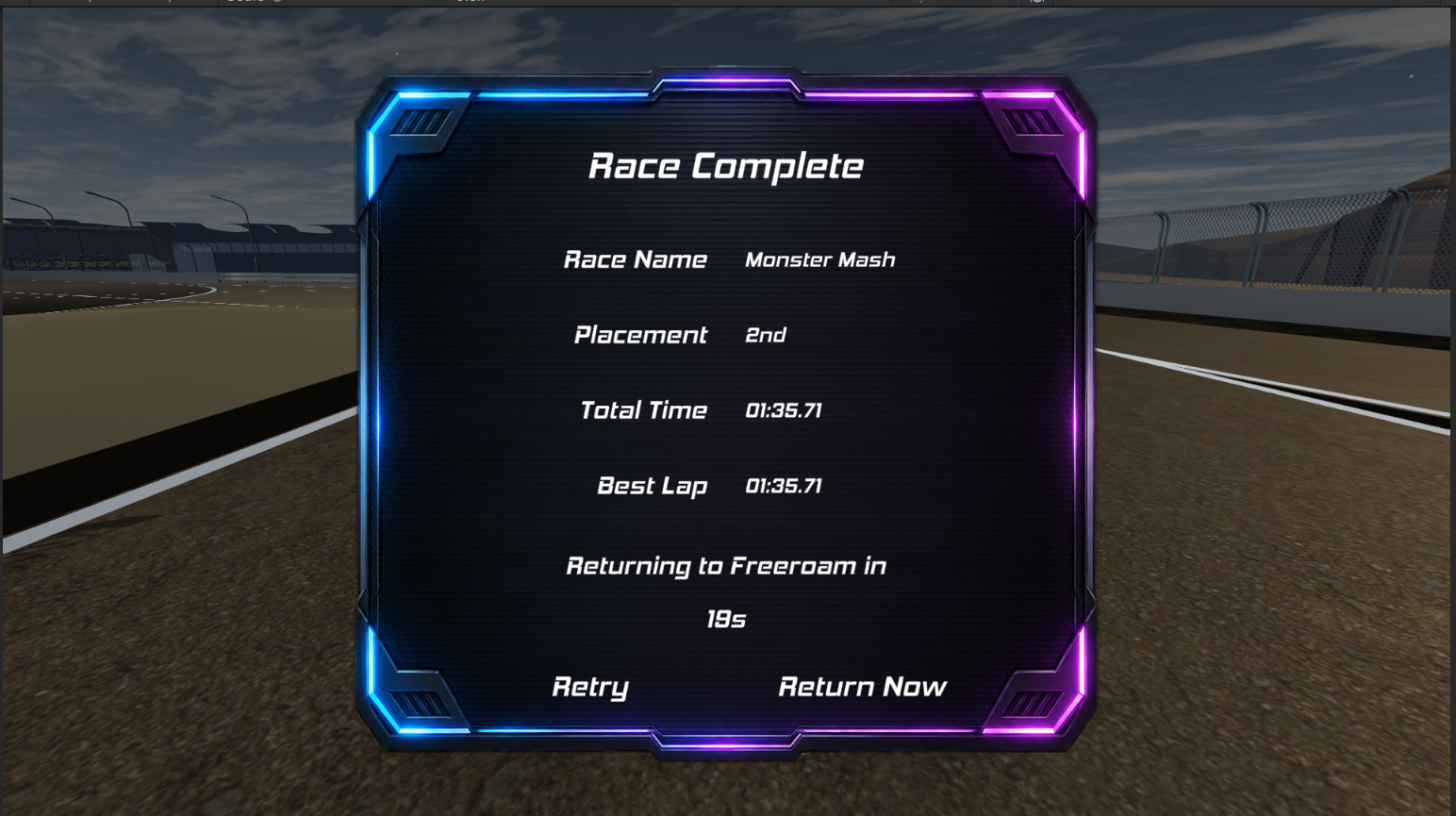
  • Implemented scene return flows for Main Menu, Garage, RaceScene, and Freeroam.
  • Added persistent settings for audio, quality, fullscreen, and traffic density.
  • Routed car audio through Unity AudioMixer groups.
  • Created editor tools for audio routing and vehicle ground checkpoint alignment.
  • Cleaned and prepared the project for public GitHub portfolio use.
08

What This Demonstrates

This project demonstrates:

  • C# gameplay systems programming.
  • Unity scene flow and state management.
  • Data-driven architecture using ScriptableObjects.
  • AI behavior and checkpoint-based race logic.
  • UI/menu systems and saved settings.
  • Physics-based vehicle setup and debugging.
  • Debugging complex multi-system bugs.
  • Editor tooling for repetitive setup tasks.
  • Public project cleanup and documentation.
09

Best Areas to Review

The most important systems to review in the project are:

  • Vehicle database and garage flow.
  • Race mode database and main menu race launcher.
  • Race position/checkpoint system.
  • AI waypoint controller and checkpoint progress separation.
  • Traffic spawner and traffic vehicle database.
  • Scene loading and return-state handling.
  • Settings menu and persistent audio settings.
  • Editor tools for audio routing and vehicle ground checkpoint alignment.
10

Key Features

  • Arcade vehicle controller with Road, OffRoad, AllTerrain, and MonsterTruck vehicle classes.
  • Garage vehicle selection system with saved equipped vehicle.
  • ScriptableObject-based vehicle database.
  • ScriptableObject-based race mode database.
  • Main menu Race Modes launcher that selects compatible races based on the equipped vehicle.
  • Checkpoint-based race progress and position tracking.
  • Custom waypoint-based racing AI.
  • AI uses waypoints for driving and checkpoints for official race progress.
  • Grid start system for player and AI racers.
  • Freeroam traffic system with traffic vehicle database and spawn nodes.
  • Traffic density setting with 50 / 100 / 150 / 200 density options.
  • Settings menu with audio, quality, fullscreen, and traffic density.